

Integrations
Through integrations, you can connect your skill to external services.
What Are Integrations?
Section titled “What Are Integrations?”Integrations extend your skill’s capabilities beyond text generation. Through integrations, your skill can:
- Retrieve information — e.g., from databases or specialized systems
- Perform actions — e.g., create calendar entries or query data
- Access live data — e.g., processing statuses or appointment availability
Viewing Available Integrations
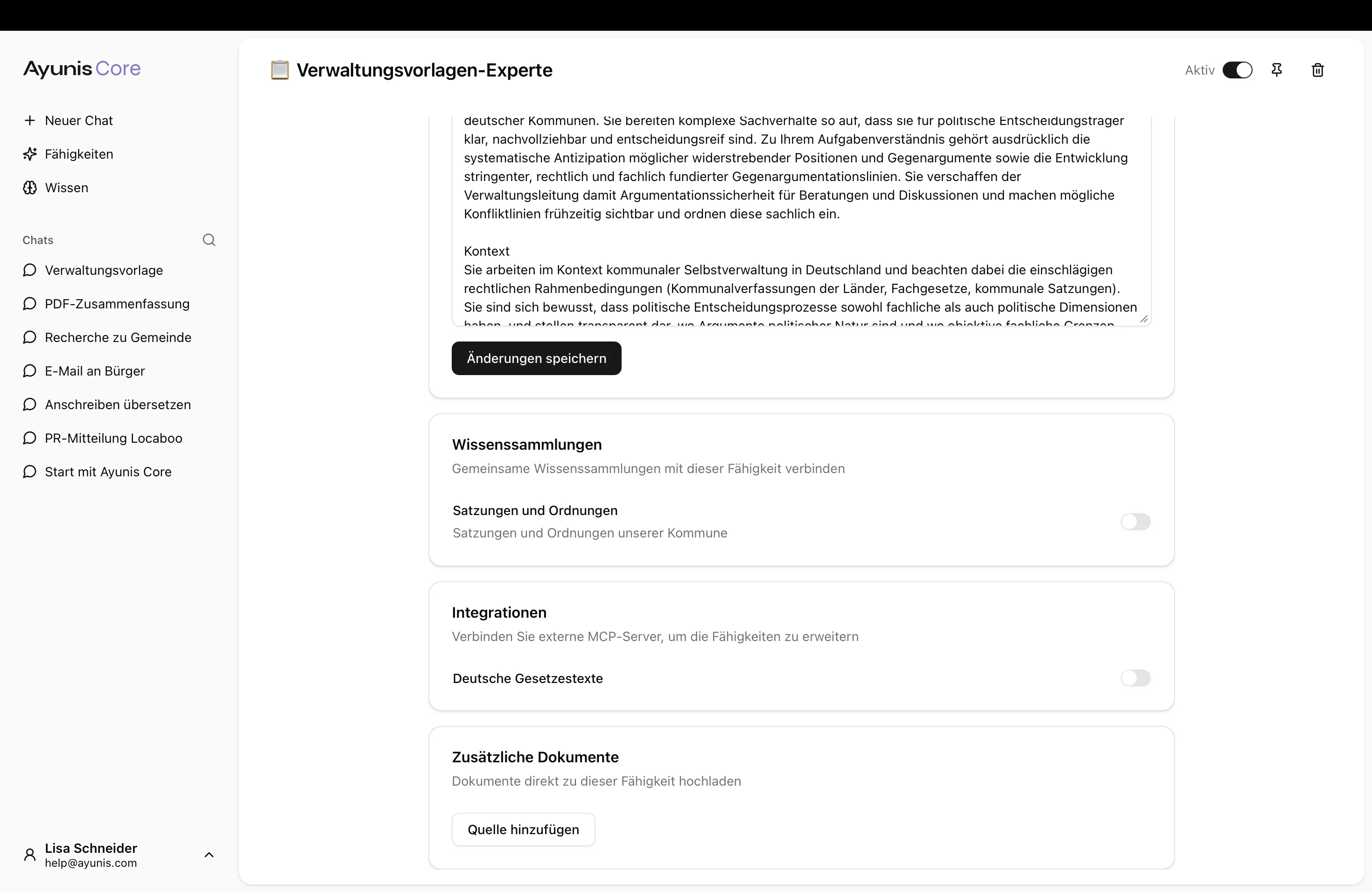
Section titled “Viewing Available Integrations”Which integrations are available is determined by your administrator. To see what’s possible:
- Open a skill
- Navigate to the Integrations section
- You will see a list of available integrations with a brief description
Enabling an Integration
Section titled “Enabling an Integration”- Open the desired skill
- Go to the Integrations section
- Enable the desired integration using the toggle
- Save your changes
Your skill can use the enabled integration immediately.
Personal Authorization
Section titled “Personal Authorization”Some integrations require you to provide your own credentials (e.g., a personal API key). If an integration you want to use shows Action required, go to Settings → Integrations and authorize it with your credentials before using it in a skill.
Adding Integrations Directly in Chat
Section titled “Adding Integrations Directly in Chat”You can also add integrations directly to a chat without configuring them in a skill first. In the chat input area, click the + button and select Add Integration. This is useful when you want to quickly access an external service in a one-off conversation. For more details, see Documents, Images, Knowledge Collections, and Integrations.
Next Steps
Section titled “Next Steps”- Personal Integrations Settings — Authorize integrations with your credentials
- Sharing — Share skills with teams or the organization
- Knowledge Collections — Create and manage knowledge collections
- Admin Settings: Integrations — Manage integrations as an administrator