

Integrations
In the Integrations section, you manage the available integrations that your skills can use.
Integration Overview
Section titled “Integration Overview”- Navigate to Admin Settings → Integrations
- You will see a list of all available integrations
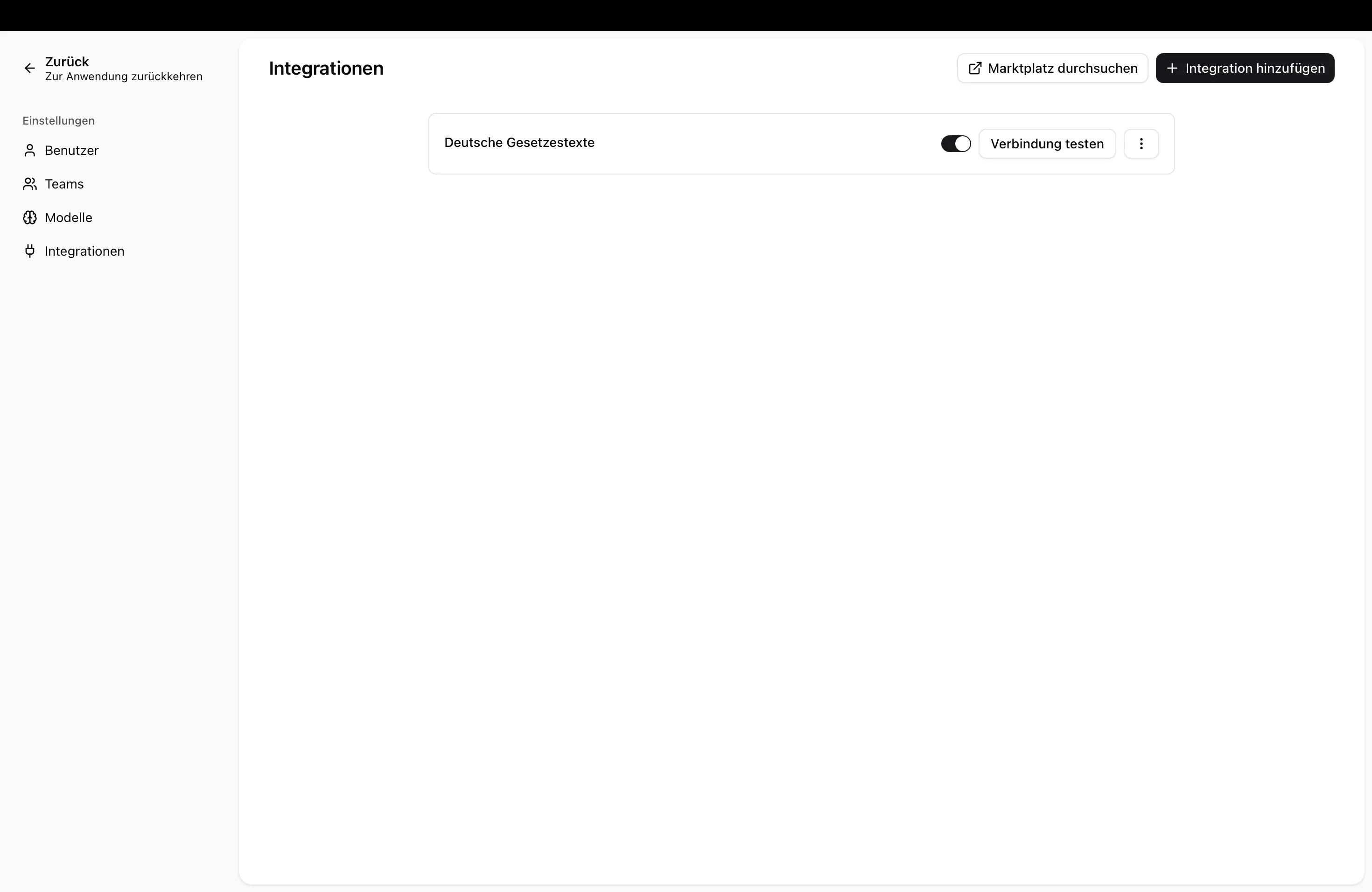
Managing Integrations
Section titled “Managing Integrations”Add an Integration
Section titled “Add an Integration”- Click Add Integration
- Select the desired integration from the list of available integrations
- Click Save
Test Connection
Section titled “Test Connection”To check whether an integration is working correctly:
- Find the integration in the list
- Click Test Connection
- You will receive feedback on whether the connection is successful
Delete an Integration
Section titled “Delete an Integration”- Find the integration in the list
- Click Delete
- Confirm the action
Next Steps
Section titled “Next Steps”- Skills: Integrations — How skills use integrations
- Manage Models — Configure language models