

General
In the general settings, you can customize how Ayunis Core looks and feels for you.
Opening Settings
Section titled “Opening Settings”- Click on your name at the bottom left
- Select Settings
- You are now in the General section
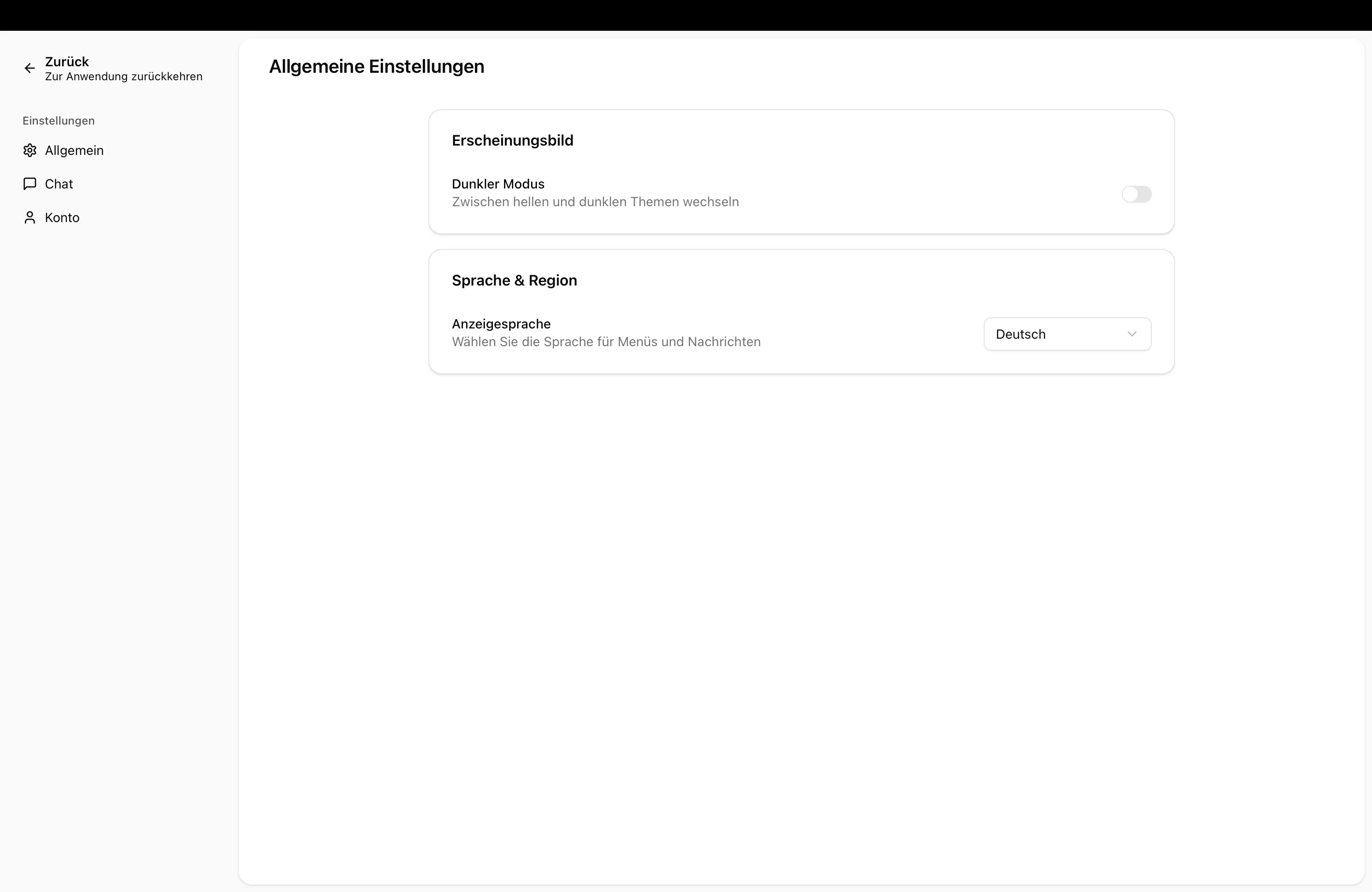
Available Settings
Section titled “Available Settings”Appearance
Section titled “Appearance”Enable or disable Dark Mode using the toggle:
- Off – Light background (default)
- On – Dark background (easier on the eyes in low light)
Display Language
Section titled “Display Language”Choose the language for the user interface:
- German
- English
The display language only affects menus and buttons — your chats and content remain unchanged.
Next Steps
Section titled “Next Steps”- Chat Settings — Adjust default model and personal system prompt
- Account Settings — Manage your name and email address