

Account
In the account settings, you manage your personal details and access.
Opening Settings
Section titled “Opening Settings”- Click on your name at the bottom left
- Select Settings
- Navigate to the Account section
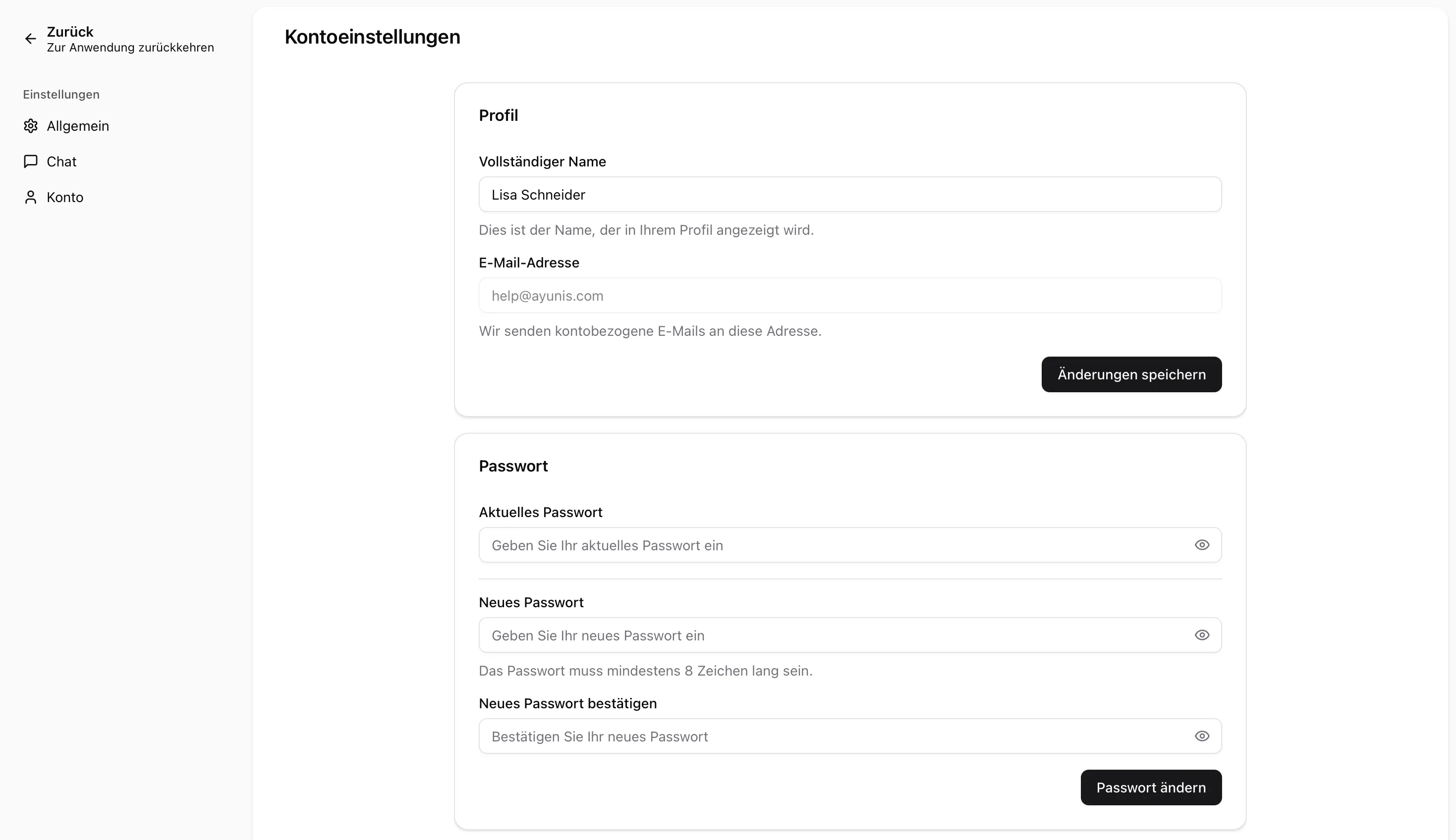
Your name is displayed to colleagues on the platform. You can change it at any time:
- Click the input field next to “Name”
- Enter your new name
- Click Save
Email Address
Section titled “Email Address”Your email address is displayed but cannot be changed. It serves as your login credentials.
Password
Section titled “Password”You can change your password directly in the account settings:
- Enter your current password
- Enter your new password
- Click Save
Next Steps
Section titled “Next Steps”- General Settings — Adjust appearance and language
- Chat Settings — Adjust default model and personal system prompt
- Login & Password — Sign in and reset your password